
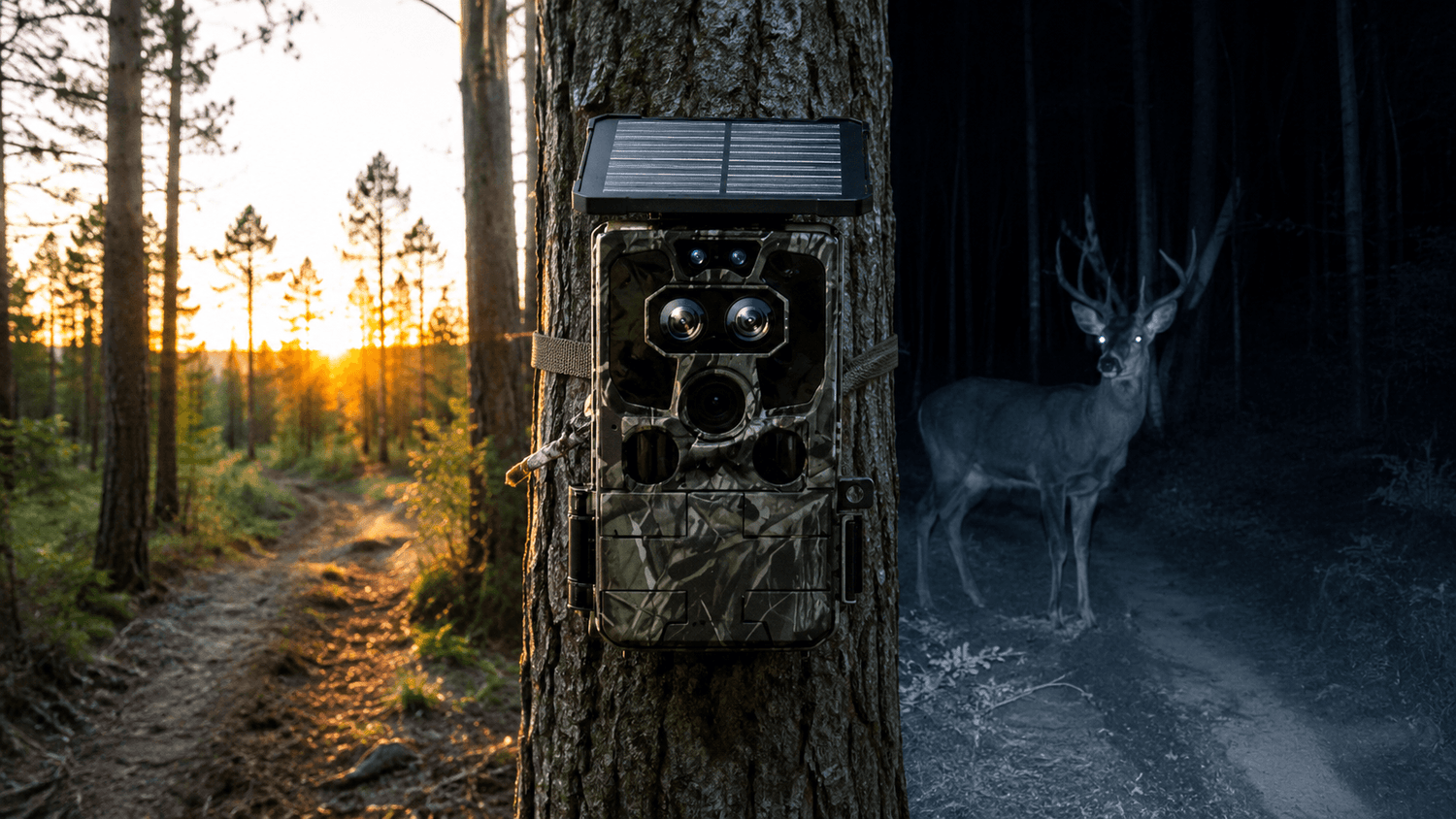
Whether you're tracking deer before sunrise, monitoring wildlife after dark, or securing remote property, your trail camera settings can make the difference between crystal-clear images and missed opportunities.
Many hunters purchase an excellent trail camera but never adjust the factory settings. As a result, they experience blurry images, empty photos, excessive battery drain, or thousands of false triggers caused by moving branches.
This guide explains the best trail camera settings for both daytime and nighttime conditions, helping you capture better photos while extending battery life. We'll also show how modern Voopeak Trail Cameras simplify the process with intelligent detection and high-resolution imaging.
Why Trail Camera Settings Matter
A trail camera isn't simply about image quality. Every setting affects performance.
Proper settings can:
- Capture faster-moving animals
- Reduce false motion triggers
- Improve nighttime clarity
- Save battery life
- Increase storage efficiency
- Maximize wildlife detection
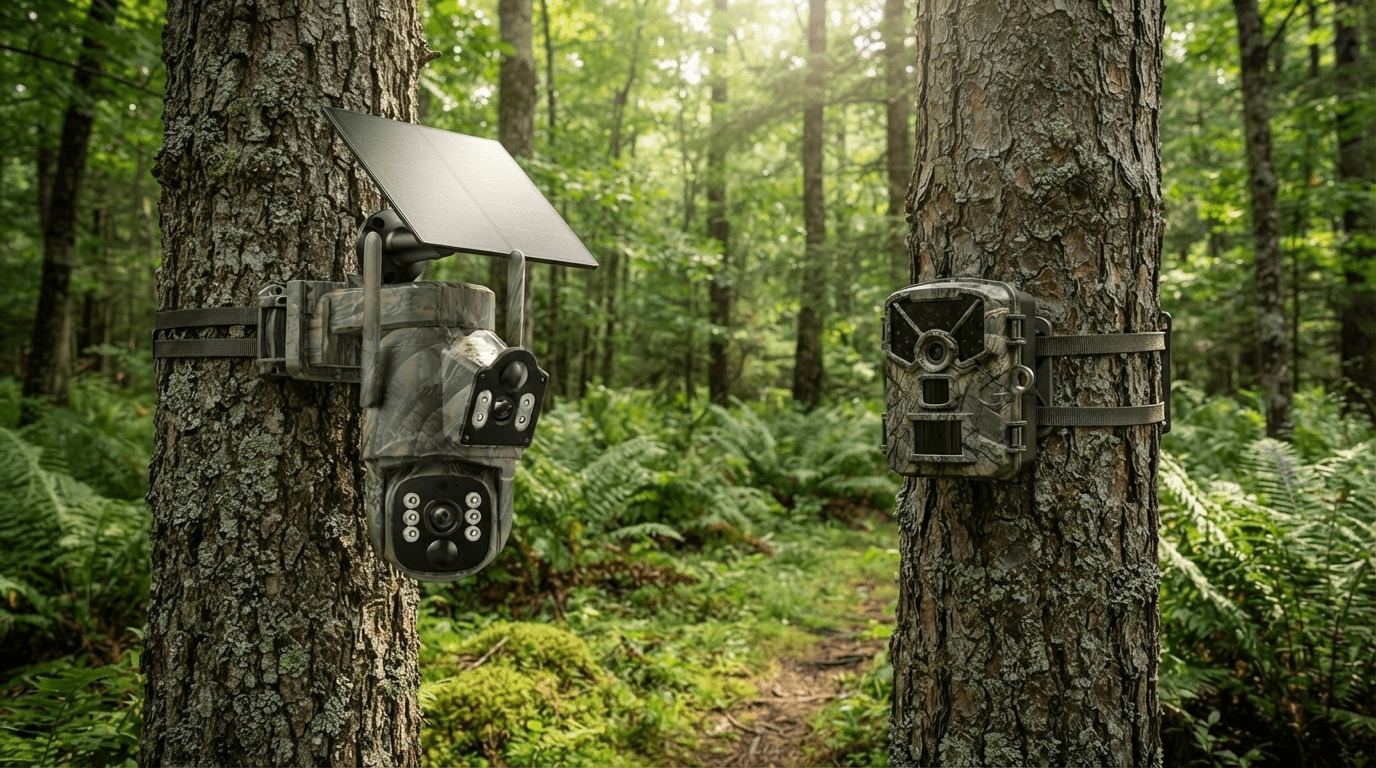
Whether you're using a WiFi Trail Camera, Cellular Trail Camera, or Solar Trail Camera, optimized settings significantly improve overall performance.
Best Daytime Trail Camera Settings

Image Resolution
For daylight, choose the highest available image resolution.
Recommended:
- 32MP–60MP Photos
- 4K Video if supported
Higher resolution provides better detail for identifying antler size, animal species, and movement patterns.
Motion Detection Sensitivity
During the day:
Medium sensitivity is usually ideal.
Too High:
- Wind
- Grass
- Tree branches
may trigger unnecessary photos.
Too Low:
may miss smaller animals like foxes or turkeys.
Trigger Speed
Recommended:
Less than 0.3 seconds
Fast trigger speeds help capture animals before they leave the frame.
Burst Mode
Take
3–5 consecutive photos
instead of one.
Burst shooting provides multiple viewing angles and greatly increases the chance of getting the perfect wildlife image.
Video Length
Recommended:
15–20 seconds
Long enough to observe behavior without consuming excessive storage.
Best Night Trail Camera Settings

Night photography is much more challenging because the camera relies entirely on infrared illumination.
The following settings produce the best results.
Infrared Flash
Enable:
High Power IR
This improves image brightness while maintaining long-distance visibility.
Modern No Glow Infrared Trail Cameras minimize disturbance to wildlife.
Night Resolution
Choose:
Highest available resolution
High-resolution sensors preserve details that lower-quality cameras often lose in darkness.
Detection Sensitivity
Increase to:
Medium-High
Animals typically move slower at night, allowing slightly higher sensitivity without dramatically increasing false triggers.
Recovery Time
Recommended:
5–10 seconds
This balances battery life and ensures continuous nighttime monitoring.
Video Recording
Night videos require more battery power.
Unless monitoring specific wildlife behavior, many hunters prefer:
Photo Mode
instead of long videos.
Recommended Settings for Deer Hunting

If you're targeting deer, consider:
| Setting | Recommendation |
|---|---|
| Resolution | Highest |
| Trigger Speed | Fastest |
| Burst Photos | 3 Photos |
| Video Length | 15 Seconds |
| Detection | Medium |
| Recovery | 5 Seconds |
| Flash | High IR |
These settings provide excellent coverage during dawn and dusk, when deer are most active.
Adjust Settings by Season
Spring
- Medium sensitivity
- Longer daylight recording
Summer
- Lower sensitivity
- Reduce false triggers from vegetation
Fall
- Fast trigger speed
- High-quality photos
Perfect for hunting season.
Winter
Increase exposure slightly for snowy environments.
Tips to Reduce False Triggers
Many users believe their trail camera is malfunctioning when it's actually responding correctly.
Avoid pointing the camera toward:
- Tall grass
- Moving leaves
- Water reflections
- Direct sunrise
- Busy trails
Also mount the camera approximately
3–4 feet above ground
and angle it slightly downward.
Battery Optimization Settings
Better settings don't just improve photos—they also extend battery life.
To maximize runtime:
- Use photo mode whenever possible
- Reduce unnecessary videos
- Increase recovery interval
- Use high-capacity SD cards
- Pair with solar panels if available
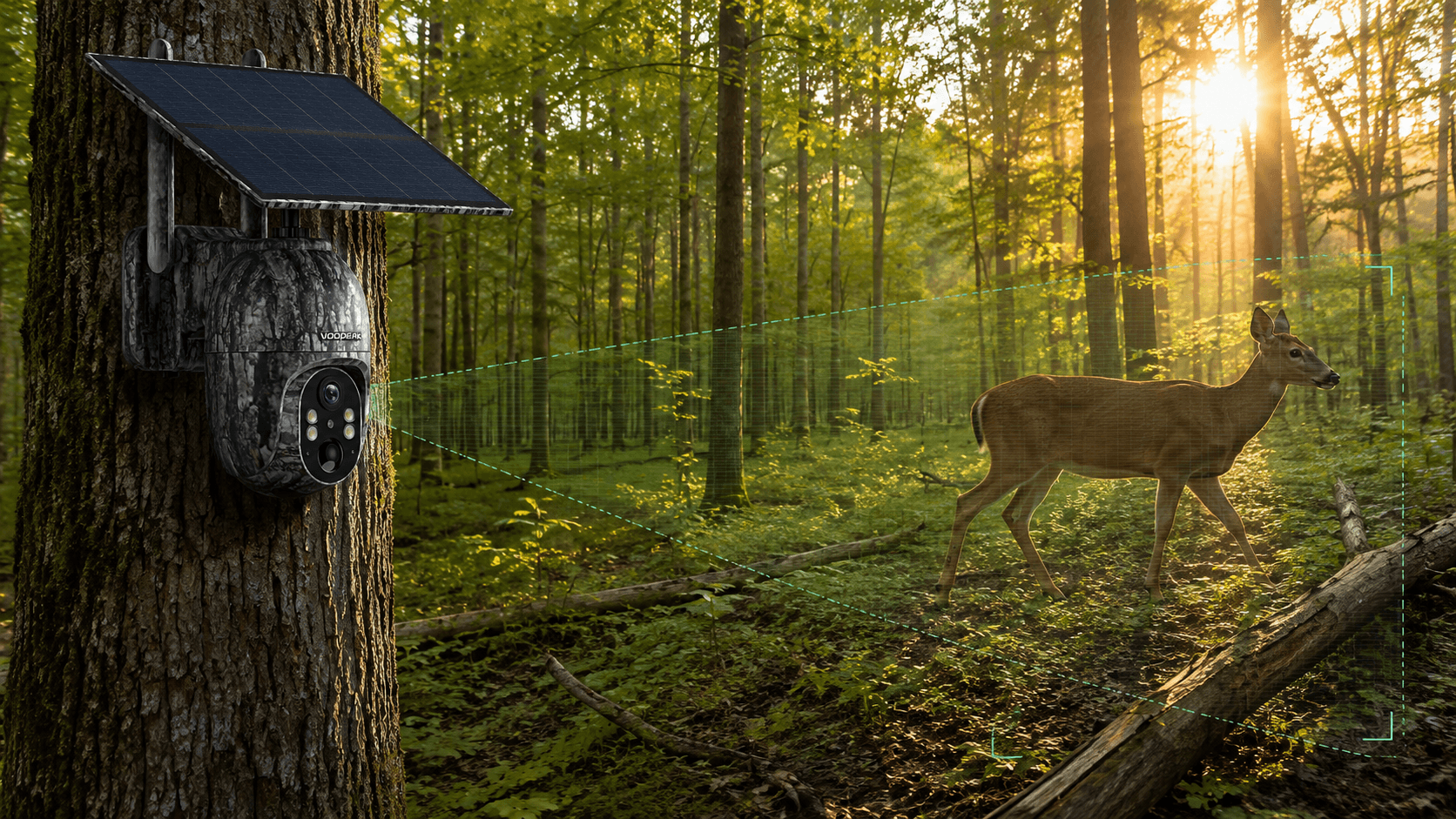
Solar-powered trail cameras are especially effective for long-term wildlife monitoring.
Why Voopeak Trail Cameras Make Setup Easier

Modern Voopeak Trail Cameras include advanced imaging technology that automatically delivers excellent results in both daylight and nighttime environments.
Popular models include:
Voopeak TC27
Ideal for remote locations with:
- 4G LTE Connectivity
- Solar Charging
- 360° PTZ
- Live Streaming
- AI Detection
Perfect for hunters needing real-time wildlife updates.
Voopeak TC37
Excellent for users wanting:
- 60MP Photos
- 4K Video
- WiFi Connection
- Fast Trigger Speed
- Crystal-clear daytime images
Common Mistakes Beginners Make
Avoid these common errors:
❌ Maximum sensitivity everywhere
❌ Recording only long videos
❌ Camera facing sunrise
❌ Low-quality SD cards
❌ Incorrect mounting height
❌ Never testing before deployment
Small adjustments often produce dramatically better results.
Final Thoughts
Finding the best trail camera settings isn't about selecting the highest option for every feature—it's about balancing image quality, battery life, storage, and detection performance for your environment.
Start with the recommendations in this guide, then fine-tune them based on weather, wildlife activity, and terrain. Whether you're scouting deer, monitoring wildlife, or protecting remote property, properly configured trail cameras consistently deliver better results.
Modern Voopeak Trail Cameras combine fast trigger speeds, advanced night vision, and intelligent detection, making it easier than ever to capture sharp images both day and night.
FAQ
What are the best trail camera settings for deer hunting?
Use the highest image resolution, fast trigger speed, three-photo burst mode, medium sensitivity, and a 5-second recovery interval.
Should I use photo or video mode at night?
Photo mode is generally better because it conserves battery life while capturing sharp wildlife images.
What sensitivity should I use on my trail camera?
Medium sensitivity works best in most environments. Increase it slightly for nighttime and reduce it in windy conditions.
How can I reduce false triggers?
Avoid aiming at moving vegetation, water reflections, or direct sunlight, and mount the camera at the proper height.
Does a solar trail camera need different settings?
No. Solar-powered models use the same camera settings, but they allow longer deployments with less concern about battery consumption.

Leave a comment
This site is protected by hCaptcha and the hCaptcha Privacy Policy and Terms of Service apply.