
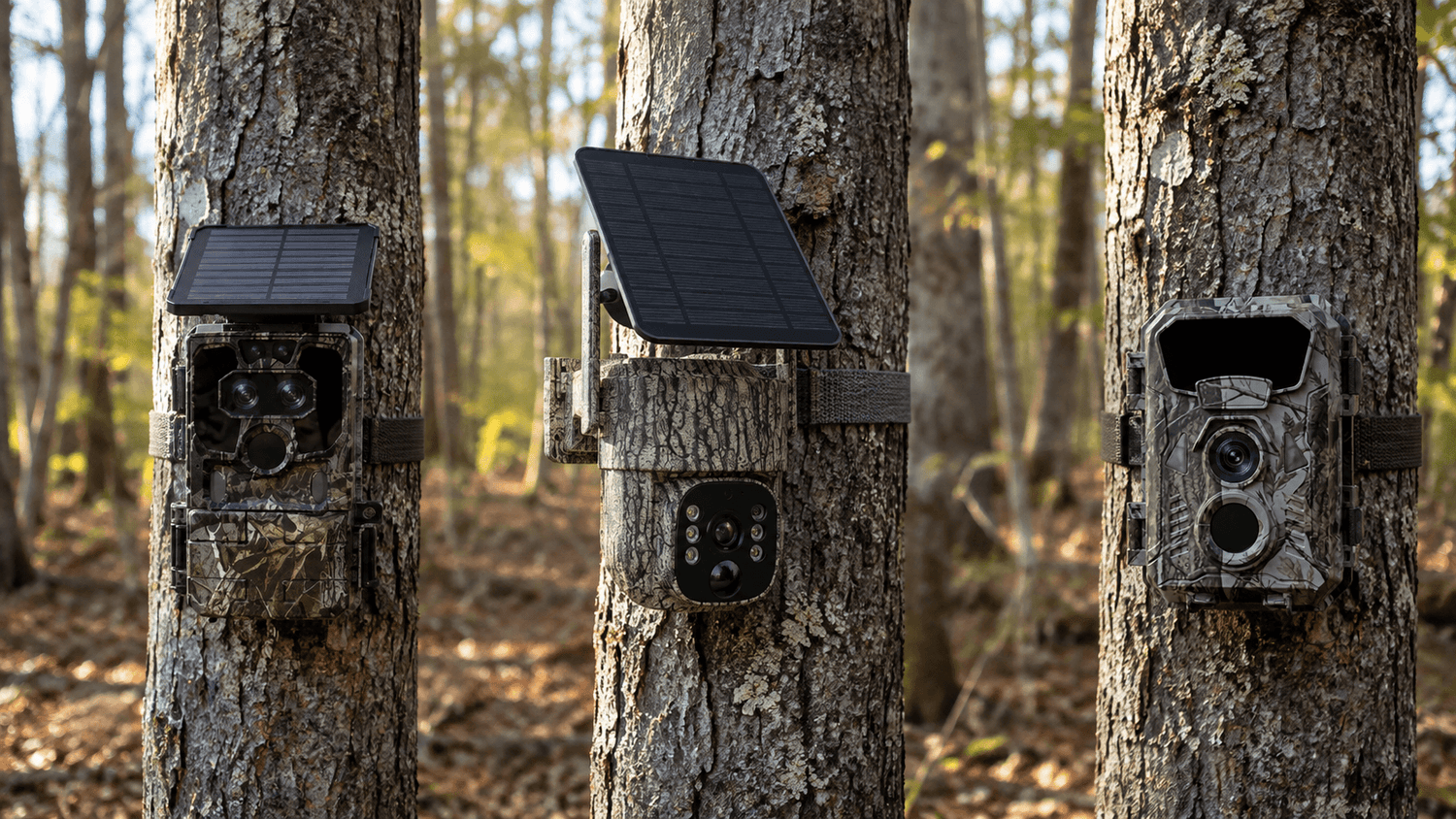
If you're shopping for a trail camera, you may have one simple question: Do trail cameras need WiFi?
The short answer is no—not all trail cameras need WiFi.
Trail cameras generally fall into three connectivity categories: cellular trail cameras, WiFi trail cameras, and standard trail cameras that rely on local storage such as a microSD card. Each type works differently and is designed for different hunting, wildlife monitoring, and outdoor security situations.
A cellular trail camera can transmit photos and videos remotely through a 4G LTE network. A WiFi trail camera can connect directly to your smartphone when you are nearby. A standard trail camera does not have WiFi or cellular connectivity and typically stores photos and videos on a memory card for later retrieval.
Understanding this difference can help you choose the best trail camera for hunting, wildlife monitoring, property security, or backyard observation.
Do Trail Cameras Need WiFi?
No. A trail camera does not need WiFi to capture photos or videos.
Traditional game cameras can operate completely offline. They use motion detection, an image sensor, infrared night vision, and local storage to automatically capture wildlife activity. When you want to view the footage, you normally visit the camera and remove the SD card or connect the camera to another device.
WiFi is simply one method of accessing or transferring the camera's data.
There are three common options:
- Cellular trail camera: Uses a cellular network such as 4G LTE to transmit images and videos remotely.
- WiFi trail camera: Creates a local WiFi connection so your phone can access the camera when you are nearby.
- Standard trail camera: Stores footage locally on a microSD card and requires physical access to retrieve the files.
So, the best question isn't "Do trail cameras need WiFi?" but rather:
How do you want to access your trail camera footage?
1. What Is a Standard Trail Camera?
A standard trail camera is the simplest type of game camera.
It does not have a cellular modem or built-in WiFi hotspot. Instead, it captures images and videos when its motion sensor detects movement and saves those files to a microSD card or other local storage.
This type of camera is sometimes called a:
- Traditional trail camera
- Non-cellular trail camera
- SD card trail camera
- Game camera
- Hunting camera
- Wildlife camera
The basic process is simple:
Motion detected → Photo/video captured → File saved to SD card → User retrieves the SD card
This design has one major advantage: simplicity.
There is no cellular data plan, no WiFi setup, and usually no app or wireless connection to configure.
For hunters who regularly visit their hunting property, a standard trail camera can be an affordable and reliable solution.
However, there is one important limitation.
You generally need to physically visit the camera to check the latest photos and videos.
If your trail camera is deep in the woods, on a large hunting lease, or several hours away, checking an SD card can become inconvenient.

2. What Is a WiFi Trail Camera?
A WiFi trail camera adds wireless local connectivity.
However, WiFi trail camera does not necessarily mean the camera can connect to your home's WiFi network from miles away.
This is one of the most common misunderstandings about trail camera connectivity.
Many WiFi hunting cameras create a local WiFi hotspot that allows your smartphone to connect directly to the camera when you are within range.
For example, you may walk up to your trail camera, activate its WiFi connection, open the companion app, and browse or download photos without removing the SD card.
The basic process is:
Camera detects movement → Files saved locally → Phone connects to camera's WiFi → User views/downloads footage
This can be much more convenient than removing a tiny memory card every time you want to check your photos.
Advantages of WiFi Trail Cameras
WiFi cameras are particularly useful for:
- Backyard wildlife monitoring
- Short-range hunting locations
- Driveways and gardens
- Campsites
- Farms and properties that you visit frequently
- Users who want wireless local file transfer
Another advantage is that a WiFi trail camera generally does not require a cellular data subscription simply to establish the local connection.
Voopeak's WiFi trail camera lineup, for example, is designed around local wireless access, allowing users to connect to the camera from nearby rather than relying on a cellular network. Voopeak's selection guide describes its WiFi cameras as suitable for locations such as backyards and accessible hunting areas.
The Limitation of WiFi
The biggest limitation is distance.
If your camera is several miles away in a remote forest, your phone cannot simply connect to its local WiFi hotspot from home.
That is where cellular trail cameras become more useful.

3. What Is a Cellular Trail Camera?
A cellular trail camera uses a mobile network, such as 4G LTE, to transmit captured images and videos.
Instead of requiring you to walk up to the camera, the camera can send data through the cellular network to an app or cloud platform.
The basic process looks like this:
Animal detected → Camera captures image/video → 4G LTE connection → Data uploaded → Notification sent to smartphone
This means you can potentially check your trail camera even when you are miles away from the camera.
Cellular trail cameras are especially useful for remote hunting properties, wildlife research, farms, ranches, and outdoor security.
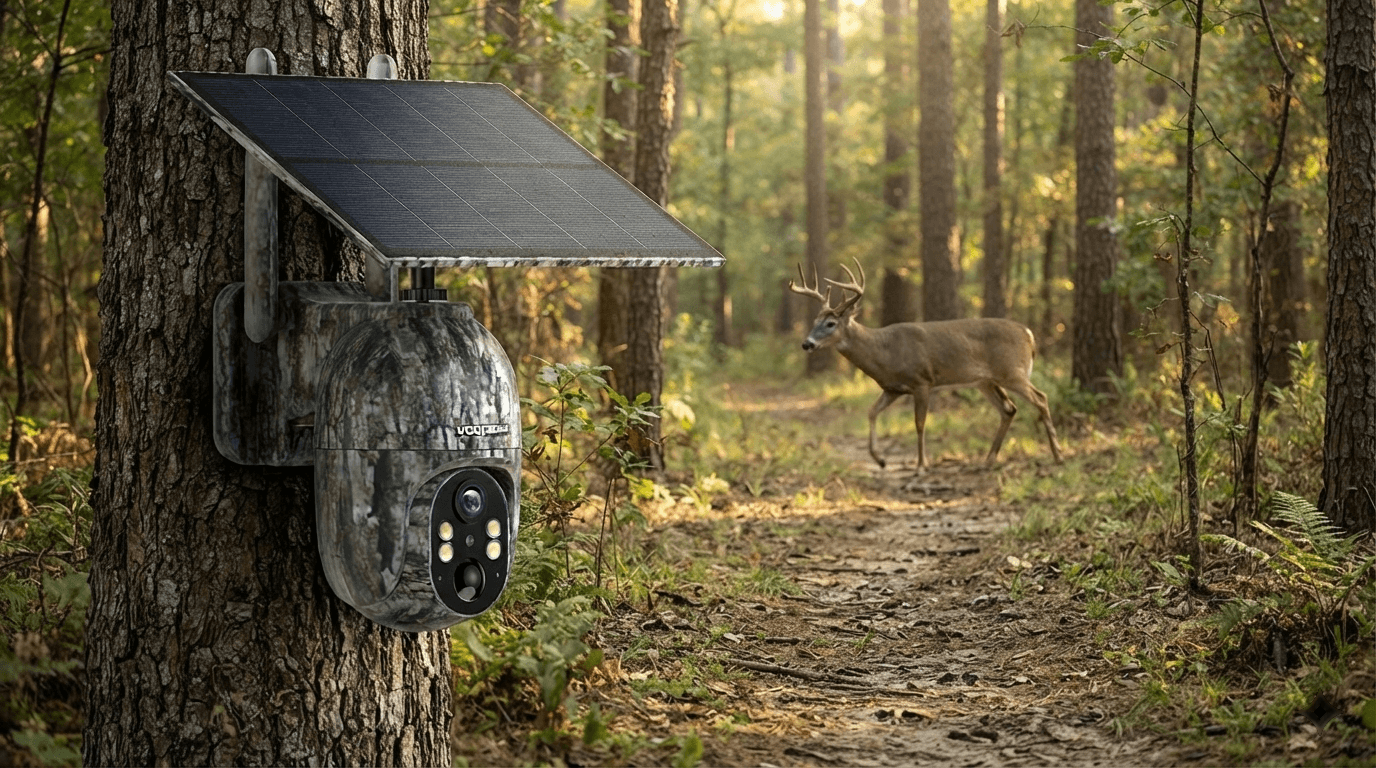
Voopeak's cellular trail cameras use 4G connectivity and are designed for locations where traditional WiFi may not be available. Models such as the TC32 support remote viewing through a mobile app and can operate without a local WiFi network, provided there is compatible cellular coverage.
Do Cellular Trail Cameras Need WiFi?
No.
This is one of the biggest advantages of a cellular trail camera.
A cellular game camera does not need your home router or a local WiFi network. Instead, it communicates through a cellular network.
That makes it particularly useful for:
- Remote hunting land
- Large farms
- Ranches
- Forests
- Construction sites
- Remote property monitoring
- Wildlife research
Of course, cellular cameras still require cellular coverage and an appropriate data plan, depending on the model and service arrangement.

4. Cellular vs WiFi vs Standard Trail Cameras
The easiest way to understand the differences is to compare them side by side.
| Feature | Standard Trail Camera | WiFi Trail Camera | Cellular Trail Camera |
|---|---|---|---|
| WiFi required | No | Local WiFi connection | No |
| Cellular network | No | No | Yes |
| Remote viewing from anywhere | No | No | Yes |
| Local phone connection | No | Yes | Usually supported depending on model |
| SD card storage | Yes | Usually | Often |
| Monthly data plan | No | No | Usually required |
| Best for | Simple offline scouting | Nearby access | Remote monitoring |
| Main advantage | Simple & affordable | Convenient local access | Remote access |
The most important difference is how far away you can be while accessing your footage.
A standard trail camera is best when you're comfortable physically retrieving the footage.
A WiFi trail camera is best when you want wireless access while you're near the camera.
A cellular trail camera is best when you want to monitor a location from a distance.
5. Which Trail Camera Is Best for Hunting?
There isn't one trail camera that is perfect for every hunter.
Your choice should depend on how often you visit your hunting property.
Choose a Standard Trail Camera If:
You regularly visit your hunting property and don't mind checking an SD card.
A traditional trail camera can be an excellent choice if you want a straightforward motion-activated game camera without recurring cellular costs.
Choose a WiFi Trail Camera If:
Your camera is located somewhere accessible and you want to transfer photos to your smartphone without removing the memory card.
For example, WiFi is convenient for a backyard deer feeder, small hunting property, driveway, or campsite.
Choose a Cellular Trail Camera If:
Your hunting property is far away and you want to know what is happening without physically visiting the camera.
A cellular trail camera can send images and notifications directly to your phone, making it particularly useful for remote deer scouting and wildlife monitoring.
For hunters who want real-time access, Voopeak's cellular lineup includes models such as the TC27 and TC32, designed around remote 4G connectivity and smartphone access.
6. Do Trail Cameras Work Without Internet?
Yes—but it depends on what you mean by "work."
A standard trail camera can capture and store photos without internet access.
A WiFi trail camera can also capture footage without an internet connection because its primary function is still motion-triggered photography and local storage. However, you need to be near the camera to establish the local wireless connection.
A cellular trail camera is different.
Its remote transmission features depend on cellular service. For example, Voopeak's cellular cameras require an active cellular connection for their network-based functions. An SD card does not automatically turn a cellular camera into a completely offline traditional trail camera.
This distinction is important when choosing a camera for remote locations.
7. Do Trail Cameras Need an SD Card?
Many trail cameras use an SD or microSD card for local storage.
However, an SD card and wireless connectivity serve different purposes.
Think of the SD card as the camera's local storage and WiFi or cellular connectivity as the method of transferring or accessing information.
A camera can potentially use:
SD card only:
Capture → Save → Physically retrieve
WiFi + SD card:
Capture → Save → Connect nearby → Download
Cellular + SD card:
Capture → Save → Upload/transmit remotely
Some modern cellular trail cameras also support cloud storage in addition to local storage. Voopeak's current cellular models, for example, can combine local SD storage with cloud-based storage depending on the model.
8. What About Battery Life?
Connectivity can also affect how you plan your power supply.
A standard trail camera typically has fewer connectivity functions running in the background, which can help simplify long-term deployment.
WiFi cameras generally use wireless connectivity when you activate or connect to the camera.
Cellular trail cameras can consume additional power when transmitting photos, videos, receiving commands, or providing live viewing.
That's why many modern cellular trail cameras combine large-capacity batteries with solar panels.
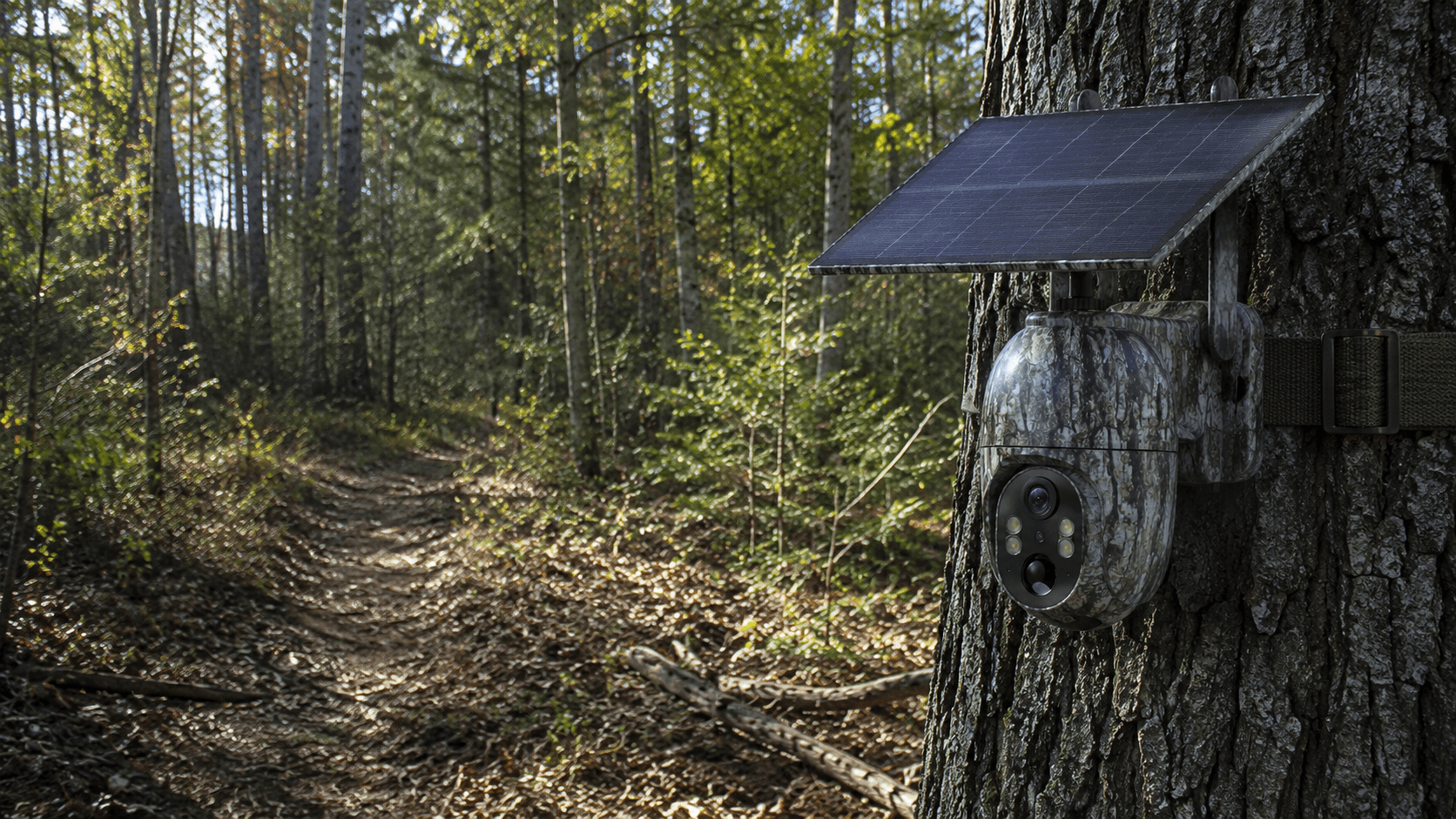
For example, Voopeak offers solar-powered cellular trail cameras designed for longer outdoor deployments, reducing the need for frequent battery replacement.
For remote wildlife monitoring, a solar-powered cellular trail camera can be particularly useful because you can combine:
Solar power + rechargeable battery + 4G LTE + remote access
This creates a much more hands-off monitoring system.
9. Which Connectivity Type Should You Choose?
Here's a simple rule:
If you want the simplest setup:
Choose a standard trail camera.
If you want wireless access when you're nearby:
Choose a WiFi trail camera.
If you want to monitor wildlife from anywhere:
Choose a cellular trail camera.
You should also consider:
- How far away is the camera?
- How often can you visit the location?
- Is cellular coverage available?
- Do you want instant notifications?
- Do you need live viewing?
- Are you comfortable paying for cellular data?
- Do you need solar power for long-term deployment?
- Do you prefer local SD card storage or cloud storage?
Answering these questions will usually make the decision much easier.

10. Voopeak Trail Cameras: Choose the Connection That Fits Your Needs
Voopeak offers different trail camera solutions for different outdoor monitoring situations.
For users who want remote monitoring, Voopeak cellular trail cameras use 4G LTE connectivity to provide access without requiring a local WiFi network.
For users who primarily monitor locations nearby, Voopeak WiFi trail cameras provide a convenient way to connect directly to a smartphone and manage footage locally.
And for users who prefer a simple, traditional setup, a standard SD-card trail camera remains a practical choice for straightforward wildlife and game monitoring.
The right camera isn't necessarily the one with the most advanced connectivity.
It's the one that matches where you place the camera and how you want to access your footage.
Final Answer: Do Trail Cameras Need WiFi?
No, trail cameras do not need WiFi.
A standard trail camera can work completely offline and save photos and videos to an SD card.
A WiFi trail camera uses a local wireless connection to let you access footage when you're near the camera.
A cellular trail camera uses a 4G LTE network to transmit photos, videos, alerts, and other data remotely, making it ideal for locations far away from home.
The simplest way to remember the difference is:
Standard = Store locally
WiFi = Connect nearby
Cellular = Connect remotely
Whether you're looking for the best trail camera for deer hunting, a wildlife camera for your backyard, a game camera for a remote hunting property, or a cellular trail camera for remote security, understanding connectivity is one of the most important steps before buying.
Choose the connection based on your location, monitoring habits, and need for remote access—and you'll be much more likely to find the right trail camera for your outdoor setup.

Leave a comment
This site is protected by hCaptcha and the hCaptcha Privacy Policy and Terms of Service apply.