
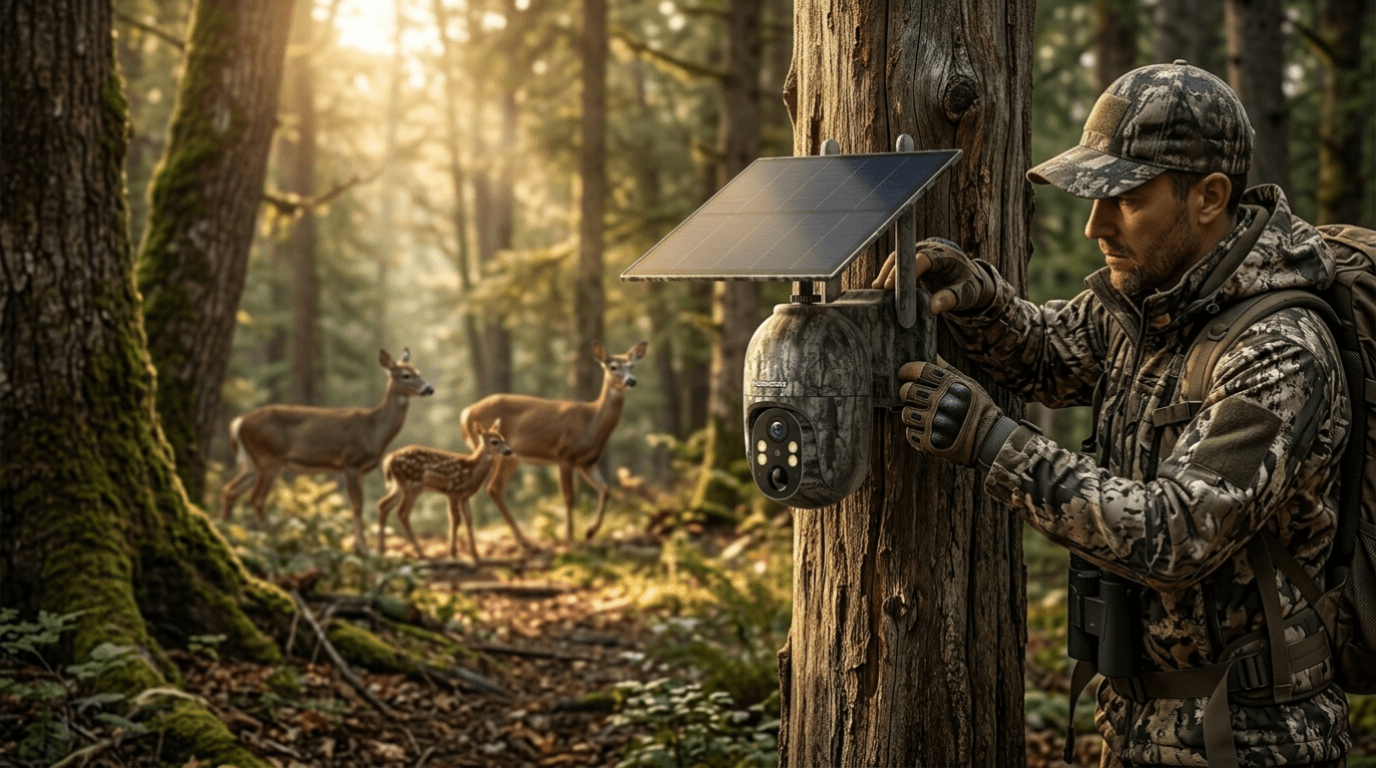
Egal, ob Sie die Bewegung von Wild vor der Jagdsaison auskundschaften, die Wildtieraktivität auf Ihrem Grundstück überwachen oder einfach nur die Naturfotografie genießen – die richtige Einrichtung Ihrer Wildkamera kann den Unterschied zwischen dem Einfangen unglaublicher Wildtiermomente und Hunderten von leeren Bildern ausmachen.
Viele Jäger kaufen eine Wildkamera und schnallen sie einfach an den nächsten Baum. Obwohl das gelegentlich funktionieren mag, erhöht eine strategische Kameraeinrichtung Ihre Erfolgsquote dramatisch.
In diesem Schritt-für-Schritt-Leitfaden erfahren Sie, wie Sie Ihre Wildkamera für die besten Wildtieraufnahmen positionieren, konfigurieren und optimieren. Wir werden auch die Voopeak TC27 als Beispiel dafür verwenden, wie moderne Mobilfunk-Wildkameras die Wildtierverfolgung vereinfachen.
Warum die richtige Einrichtung der Wildkamera wichtig ist
Eine Wildkamera macht viel mehr als nur Bilder.
Richtig positioniert, kann eine Wildkamera:
- Bewegungsmuster von Rehen identifizieren
- Wanderrouten erkennen
- Futterstellen überwachen
- Tierverhalten beobachten
- Unnötige menschliche Aktivität in Jagdgebieten reduzieren
- Hochwertige Wildtierbilder aufnehmen
Eine schlechte Einrichtung kann Probleme verursachen wie:
- Fehlzündungen
- Leere Fotos
- Verpasste Tierbewegungen
- Überbelichtete Bilder
- Begrenzte Erfassungsbereiche
Selbst die beste Wildkamera kann eine schlechte Platzierung nicht überwinden.
Schritt 1: Wählen Sie den richtigen Wildtierstandort
Die Suche nach dem richtigen Standort ist die Grundlage für eine erfolgreiche Platzierung der Wildkamera.
Wildtiere folgen natürlichen Mustern und Routen. Achten Sie auf:
Wildpfade
Tiere schaffen oft sichtbare Pfade durch die Vegetation. Diese Wanderrouten erzeugen ständig Aktivität.
Wasserquellen
Bäche, Teiche, Flüsse und Wasserlöcher ziehen den ganzen Tag über Wildtiere an.
Futterplätze
Suchen Sie nach:
- Eichelzonen
- Futterflächen
- Feldrändern
- Natürlicher Vegetation
Einstände
Tiere kehren oft tagsüber zu ihren Ruheplätzen zurück.
Anstatt zufällig einen Baum auszuwählen, verbringen Sie Zeit damit, Anzeichen wie:
- Spuren
- Losung
- Kratzer
- Fegestellen
- Fressspuren

Schritt 2: Kamerahöhe korrekt positionieren
Einer der häufigsten Fehler ist die Montage der Kameras zu hoch oder zu niedrig.
Empfohlene Höhe:
0,9–1,2 Meter über dem Boden
Diese Höhe entspricht in etwa dem Körperbereich von Rehen und ähnlichem Wild.
Für größere Tiere:
- Etwas höher anbringen
Für kleinere Tiere:
- Etwas tiefer anbringen
Winkeln Sie die Kamera immer leicht nach unten an.
Schritt 3: Direkte Sonneneinstrahlung vermeiden
Die Beleuchtung beeinflusst die Bildqualität dramatisch.
Direkte Sonneneinstrahlung kann verursachen:
- Überbelichtung
- Blendung
- Falsche Bewegungserkennung

Schritt 4: Hindernisse um die Kamera entfernen
Äste und hohes Gras können unnötige Fotos auslösen.
Entfernen Sie:
- Blätter
- Hängende Äste
- Hohes Gras
- Kleine Büsche
Windbewegungen verursachen oft Fehlzündungen.
Ein sauberer Erfassungsbereich verbessert die Batterieeffizienz und Speicherkapazität.
Schritt 5: Kameraeinstellungen anpassen
Moderne Wildkameras bieten mehrere Einstellungen.
Optimieren Sie diese Einstellungen:
Fotoauflösung
Verwenden Sie eine höhere Auflösung, wenn Sie Geweihe oder Tierdetails identifizieren möchten.
Videolänge
Empfohlen:
10–20 Sekunden
Bewegungsempfindlichkeit
- Hohe Empfindlichkeit: kleine Tiere
- Mittlere Empfindlichkeit: gemischte Umgebungen
- Geringe Empfindlichkeit: windige Gebiete
Aufnahmeintervall
5–30 Sekunden funktioniert normalerweise gut.
Schritt 6: Mobilfunkfunktionen zur besseren Überwachung nutzen
Herkömmliche Wildkameras erfordern häufige SD-Kartenprüfungen.
Mobilfunk-Wildkameras reduzieren Störungen.
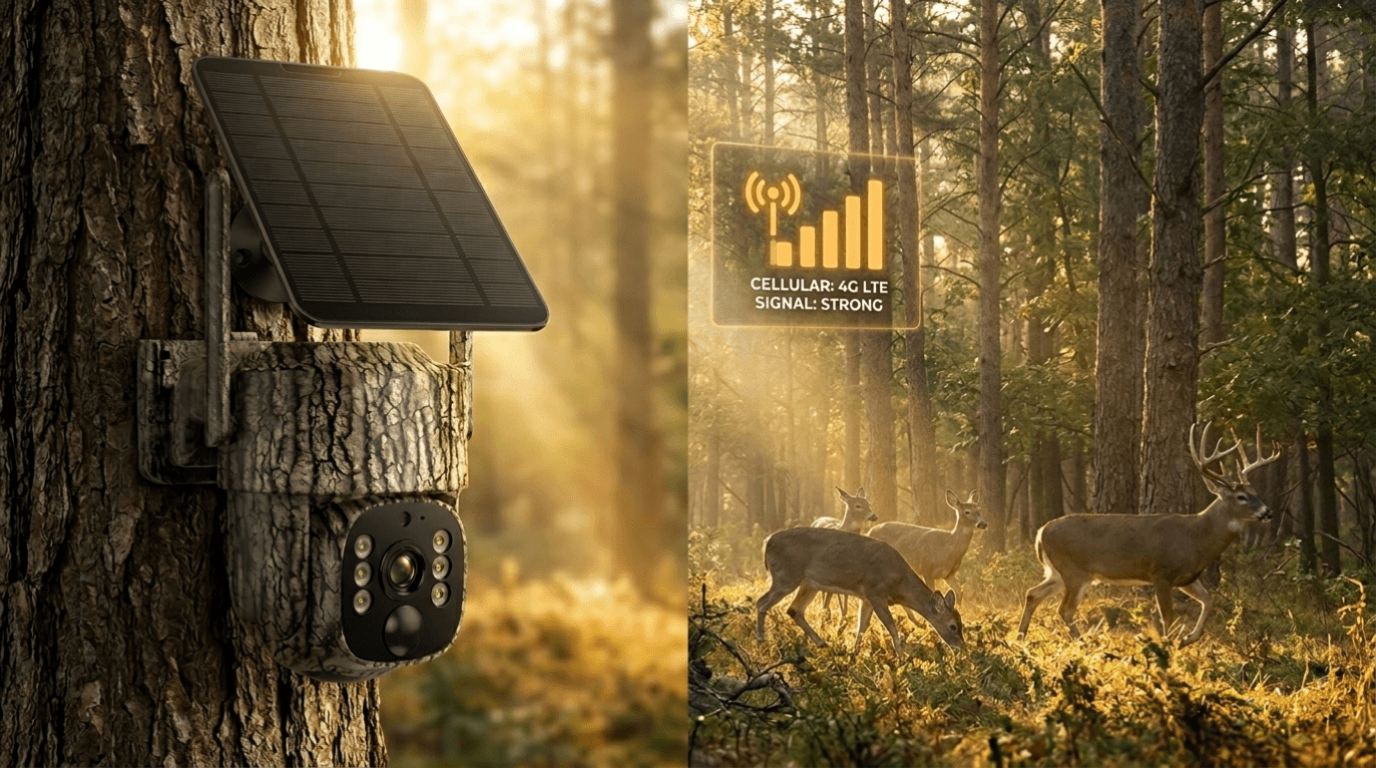
Die Voopeak TC27 bietet Vorteile wie:
- Echtzeit-Videoübertragung
- Fernüberwachung
- Live-View-Funktion
- Solarunterstützte Stromversorgung
- Schwenk- und Neigungssteuerung
- App-basiertes Management
Anstatt wiederholt durch Jagdgebiete zu gehen, können Benutzer die Aktivitäten remote überprüfen und die Geruchskontamination reduzieren.
Besonders für Hirschjäger kann die Minimierung des menschlichen Drucks die Ergebnisse erheblich verbessern.

Schritt 7: Testen vor dem Verlassen
Bevor Sie den Standort verlassen:
Gehen Sie durch den Erfassungsbereich.
Prüfen Sie:
✓ Bewegungserkennungsreaktion
✓ Kamerawinkel
✓ Bildausschnitt
✓ Sichtbereich
✓ Signalverbindung
Ein kurzer Test kann Wochen verpasster Gelegenheiten verhindern.
Häufige Fehler bei Wildkameras
Vermeiden Sie diese häufigen Fehler:
Kameras zu nah an Wildpfaden platzieren
Tiere bewegen sich möglicherweise zu schnell durch den Bildausschnitt.
Kameras zu häufig überprüfen
Menschlicher Geruch beeinflusst die Tierbewegung.
Jahreszeitliche Veränderungen ignorieren
Wildwechsel ändern sich mit dem Wetter und der Verfügbarkeit von Nahrung.
Schlechte Kamerawinkel verwenden
Weite, offene Flächen reduzieren oft die Effektivität.
Abschließende Gedanken
Zu lernen, wie man eine Wildkamera richtig einrichtet, ist eine der wichtigsten Fähigkeiten für Jäger und Wildtierliebhaber.
Erfolg kommt selten durch Glück.
Die richtige Platzierung, passende Einstellungen und moderne Technologie wirken zusammen, um bessere Ergebnisse zu erzielen.
Fortgeschrittene Optionen wie die Voopeak TC27 erleichtern die Wildtierüberwachung, indem sie Benutzern ermöglichen, die Aktivitäten remote zu überprüfen und gleichzeitig Störungen im Feld zu reduzieren.
Egal, ob Sie sich auf die Jagdsaison vorbereiten oder einfach nur erstaunliche Wildtiermomente festhalten, die Befolgung dieser Schritte kann Ihre Ergebnisse drastisch verbessern.
FAQ-Bereich
Wo ist der beste Platz für eine Wildkamera?
Die besten Orte sind Wildpfade, Wasserquellen, Futterstellen und Einstände, wo sich Tiere natürlich bewegen.
Wie hoch sollte eine Wildkamera montiert werden?
Die meisten Wildkameras funktionieren am besten, wenn sie etwa 0,9–1,2 Meter über dem Boden montiert werden.
Sollten Wildkameras nach Norden ausgerichtet sein?
Eine nach Norden ausgerichtete Platzierung reduziert oft die direkte Sonneneinstrahlung und verbessert die Bildqualität.
Lohnen sich Wildkameras mit Mobilfunkfunktion?
Mobilfunkkameras ermöglichen eine Fernüberwachung, reduzieren menschliche Störungen und bieten Echtzeit-Updates, was sie für viele Jäger wertvoll macht.
Können Wildkameras ohne WLAN funktionieren?
Ja. Viele Wildkameras verwenden SD-Karten oder Mobilfunknetze und benötigen kein WLAN.


Hinterlasse einen Kommentar
Diese Website ist durch hCaptcha geschützt und es gelten die allgemeinen Geschäftsbedingungen und Datenschutzbestimmungen von hCaptcha.